
Refine my search
Showing all 4 results
Monitor Stands
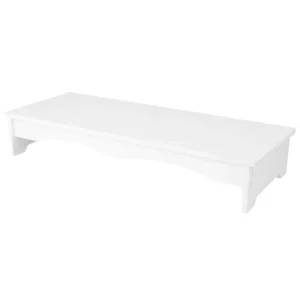
Monitor Stand Foldable
Create a place for your monitor and essentials.
$211.00Add to cart
Monitor Stands
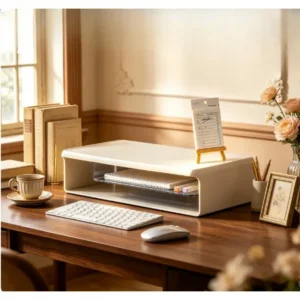
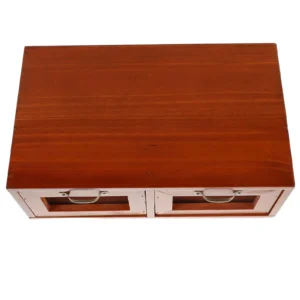
Monitor Stand Wood, with Drawer
Create a place for your monitor and essentials.
$136.00Add to cart
Choosing from our monitor stands
Create a place for your monitor and essentials.
01Check monitor and base weight.
02Measure the monitor footprint.
03Compare stand height with your viewing position.
Start with your existing setup
An accessory earns its place through everyday use. Before comparing models, look at your existing equipment and the change you want to make. Measure available space, note cable routes and allow room to move. These details give you a practical basis for comparing sizes.
Compare the details that matter
Two models that look alike can suit different setups. Compare dimensions, listed materials, adjustment and included items. A lifestyle photo shows a possible use, not everything included in the package. Unconfirmed specifications are identified on the product page.
Build a coherent setup
Think about the equipment around each accessory. Raising a screen may change where your keyboard sits. Defining a work surface may lead you to organize cables around it. Collections and guides connect these decisions so your setup works as a whole.
Choose the quantity you need
One accessory may be enough to start. If you are setting up more than one workspace or combining different needs, the cart applies 10% off 2 eligible accessories and 15% off 3 or more. Discounts cannot be combined with sale prices or coupons.